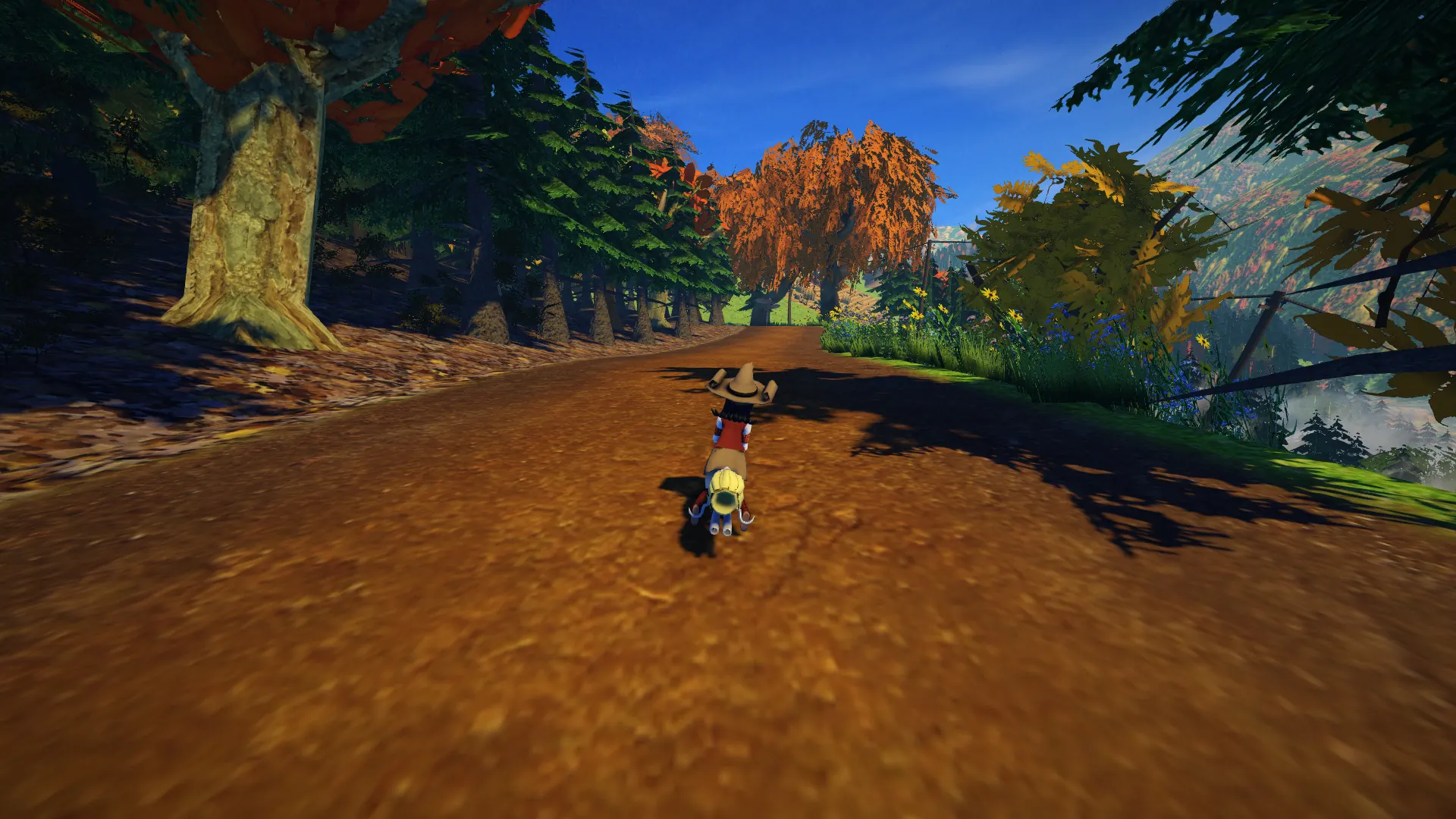
SuperTuxKart runs natively on Linux, where it was born. It’s free and open source, installs from Flathub or your distribution in one command, and has local split-screen and online multiplayer. No Steam, no store, no account needed.
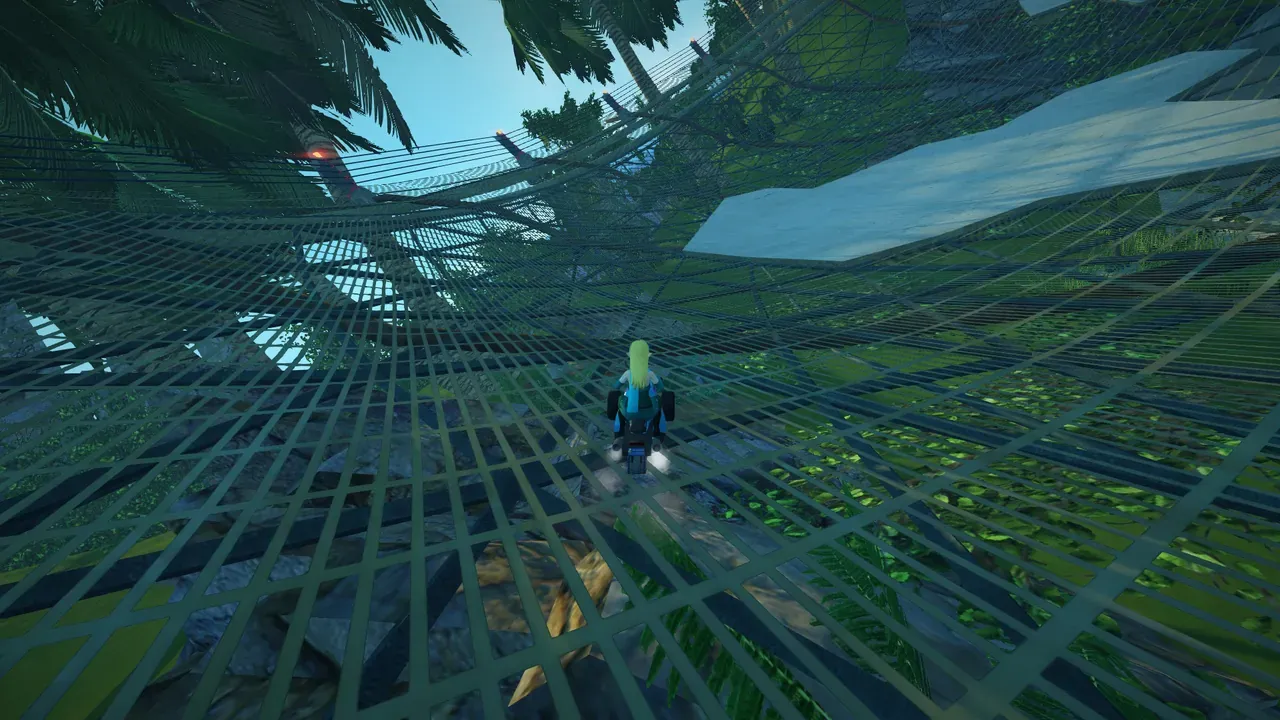 SuperTuxKart’s battle mode. Screenshot: the project’s Flathub listing.
About the game
Tux, the Linux penguin, in a go-kart, racing the mascots of other open-source projects through jungles, underwater ruins and space stations, while everyone throws bowling balls, plungers and cakes at each other. SuperTuxKart is the open-source world’s answer to Mario Kart: more fun than realistic, easy to pick up, and surprisingly polished. It grew out of an older game called TuxKart in the mid-2000s and has been developed by volunteers ever since, with story mode, Grand Prix, time trials, battle arenas and even kart soccer.
How it runs
Natively. It also runs on Windows, Mac and Android (Wikipedia).
- Latest version: 1.5, from October 2025 (Flathub).
- License: GPL 3 for the code; the art uses free licenses too.
- Modes: single races, Grand Prix, time trials, battle mode, soccer, split-screen and online multiplayer.
Install and setup
# any distribution with Flatpak and Flathub
flatpak install flathub net.supertuxkart.SuperTuxKart
Most distributions also package it as supertuxkart, and supertuxkart.net has downloads for other systems. Controllers are fully supported, and you can give every player their own pad for split-screen.
Saves and settings
Progress and settings are in one folder (PCGamingWiki):
~/.config/supertuxkart/config-0.10/The Flatpak keeps its copy under ~/.var/app/net.supertuxkart.SuperTuxKart/. There’s no cloud sync; copy the folder to move your unlocked tracks to another PC.
Known issues and fixes
- No Linux-specific issues are documented as of November 2026.
- Ultrawide, FOV and high refresh rates are all supported.
Steam Deck
Not on Steam, so Valve hasn’t rated it. Install the Flatpak from Discover in desktop mode and add it to Steam as a non-Steam game; the Deck’s controls work as a gamepad.
Mods
SuperTuxKart has an add-on browser built in: extra karts, tracks and arenas made by the community download from inside the game.
Similar games
- Stunt Rally: free, open-source racing with jumps and loops.
- 16 excellent free games that run well on Linux.
- Open-source games on Linux.
Where to get it
Free from supertuxkart.net, Flathub or your distribution’s repositories.