This site does not have a forum at this time, but plenty of other places do. For news and general discussions, the r/linux_gaming subreddit, its Lemmy counterparts or the Steam for Linux community are each worth a visit. For a problem with a specific game, ProtonDB is the first place to check, then ask in the community of the tool you use: Steam, Lutris or Heroic. Whichever you pick, include your distribution, graphics card and driver, and people will usually help.
General discussion
- r/linux_gaming on Reddit covers news, help and setups for gaming on Linux and the Steam Deck.
- Linux Gaming on Lemmy, a federated Reddit alternative: lemmy.world/c/linux_gaming is the busier one, with about 3,200 active users a month, and lemmy.ml/c/linux_gaming is smaller (both counts from the communities’ own pages, November 2026). Because Lemmy is federated, you can follow either from an account on any Lemmy server.
- #LinuxGaming on Mastodon for news, screenshots and posts from players and developers.
- GamingOnLinux.com, an independent news site with comments and a forum.
Steam and the Steam Deck
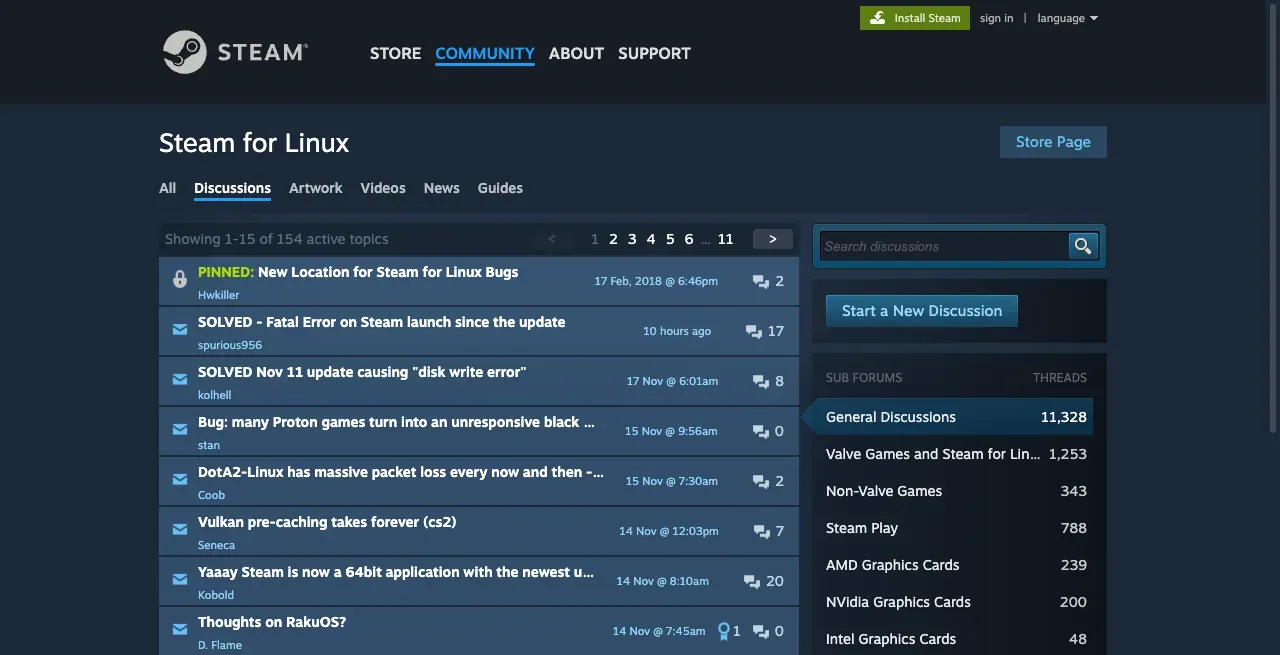 The Steam for Linux discussions, with sub-forums for Steam Play and each GPU vendor. Screenshot, November 2026.
- Steam for Linux discussions, the forum Valve points to from the Steam for Linux client’s README, for client news, betas and general questions (README).
- Steam Deck discussions on Steam, and r/SteamDeck on Reddit.
- Each game’s own Steam discussions. Search there for “Linux”, “Proton” or “Steam Deck”: other players often already have the fix for that exact game.
Per-game reports: ProtonDB
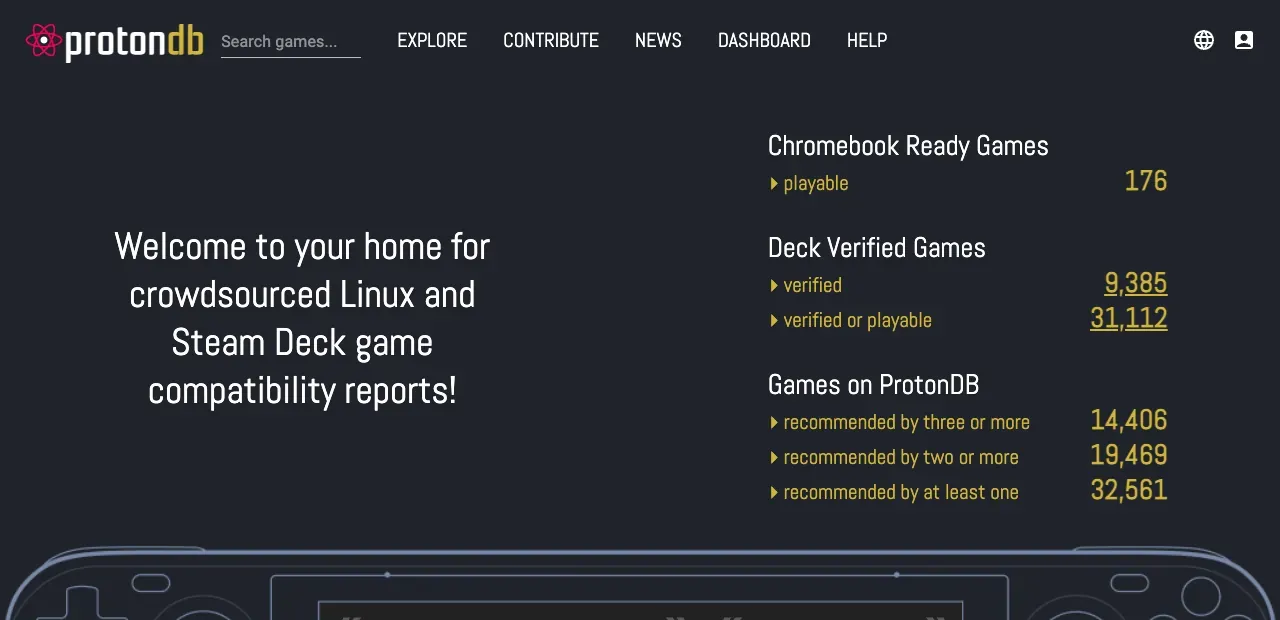 ProtonDB’s start page. Screenshot, November 2026.
ProtonDB collects player reports for how each Windows game runs on Linux through Proton, with the Proton version, hardware and the launch options they used. It’s the fastest way to check a game before buying, and also to find a fix when it breaks. When you get a game working, add your own report!
Launchers and tools
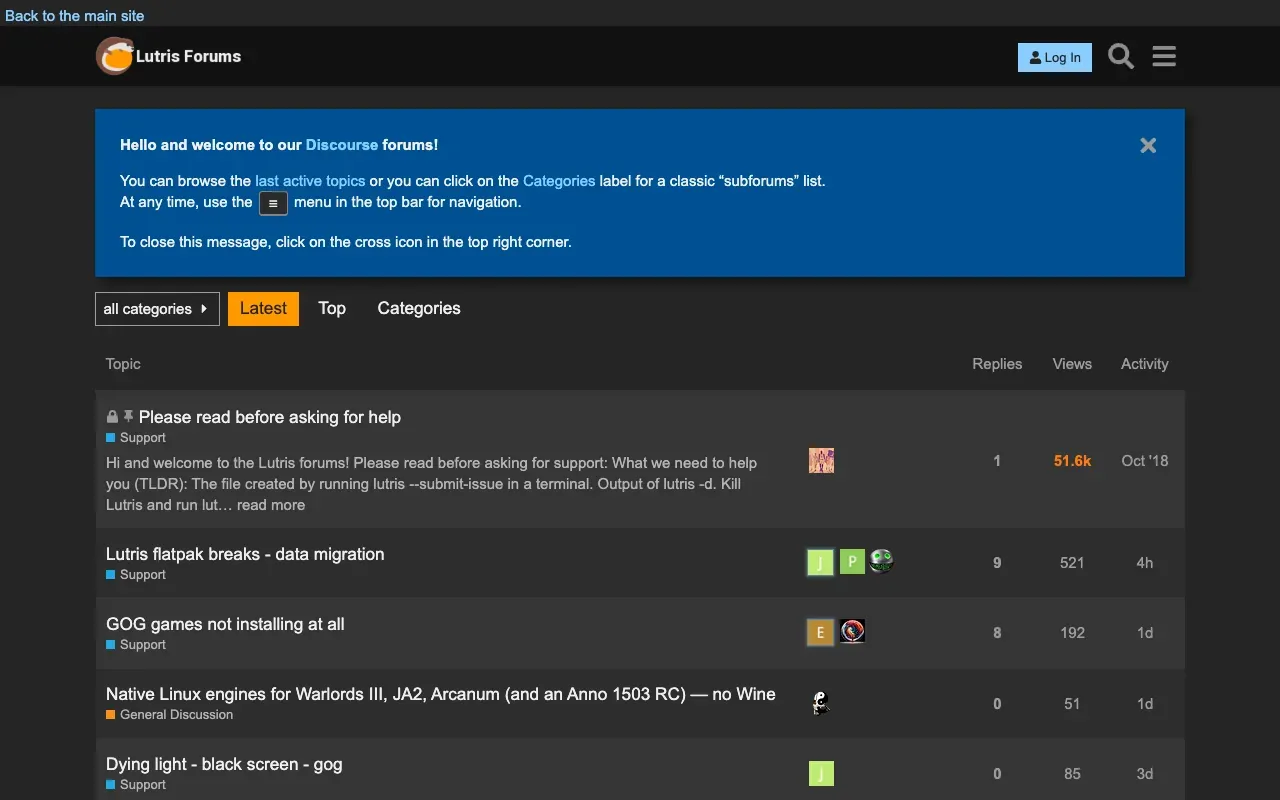 The Lutris forums. Screenshot, November 2026.
Ask in the community of the tool you use. People there know its settings and its common problems.
| Tool | Where to ask |
|---|---|
| Lutris | forums, Discord |
| Heroic Games Launcher (Epic, GOG, Amazon) | Discord, linked from heroicgameslauncher.com |
| Steam client on Linux | Steam for Linux discussions |
Your distribution’s forum is the right place for driver and system problems: Arch Linux forums, Ubuntu Discourse, Fedora Discussion, Linux Mint forums. The Arch Wiki’s gaming page is useful on any distribution.
Reporting a bug to Valve
Valve tracks bugs on GitHub, with separate lists for the Steam client and for Proton (Steam for Linux README):
- Steam for Linux issues, for the client itself.
- Proton issues, for a game that doesn’t run through Proton. Search first: there is usually one issue per game, and you add your report there.
How to ask so people can help
Most unanswered questions are missing the same few details. Valve’s own Proton report form asks for these (template), and they help anywhere:
- The game, and where you got it (Steam, GOG, Epic …).
- Your distribution and its version, and the kernel version.
- Your graphics card and driver version, for example Mesa 25.2 or NVIDIA 580.
- The Proton or Wine version, if it’s a Windows game.
- What happens, and what you already tried.
Steam collects most of this for you: Help → System Information shows a full report you can copy into a paste site and link.
For a Windows game in Steam, add a Proton log. Put this in the game’s Properties → Launch Options, start the game, and Proton writes steam-<AppID>.log to your home folder (Proton README):
# Steam launch option (any distribution)
PROTON_LOG=1 %command%
Logs get long, so upload the file or use a paste site instead of pasting it into the post.