Most Linux players buy on Steam: it has a Linux client, and its built-in Proton runs a large share of Windows-only games. If you want DRM-free installers you can keep, GOG and itch.io sell Linux versions directly. Games from the Epic Games Store and Amazon work through Heroic, a free launcher made by volunteers. Whatever the store, check anti-cheat before you buy a multiplayer game.
Steam
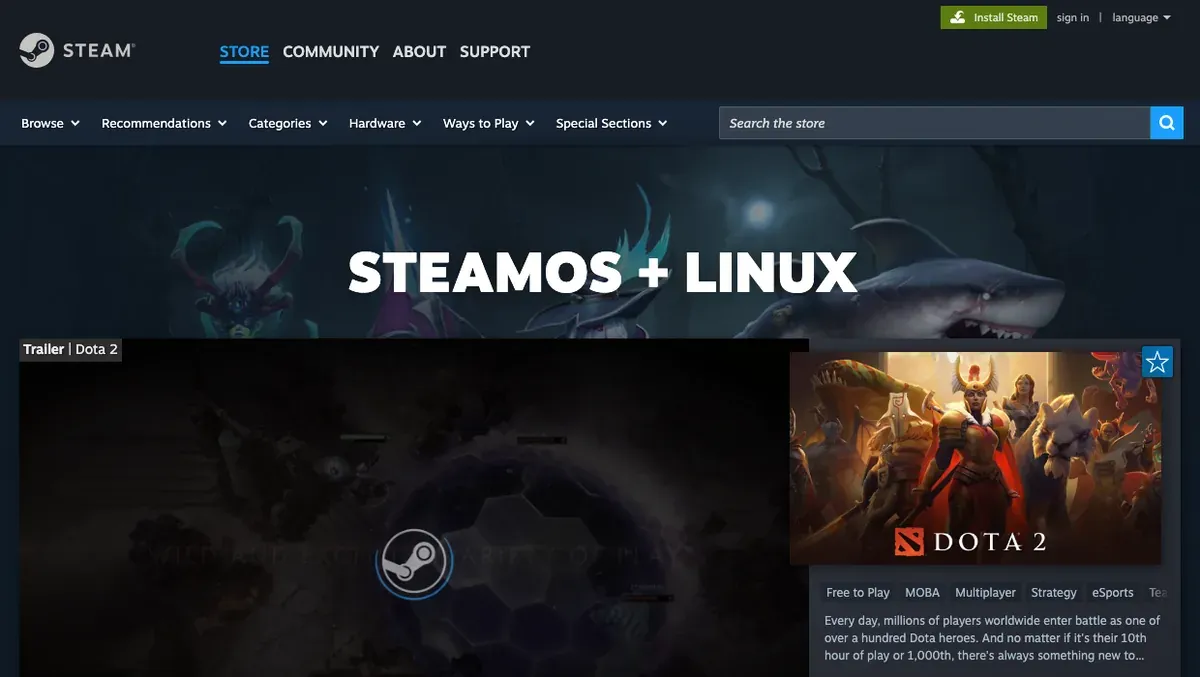 Steam’s SteamOS + Linux page lists games with a native Linux version. Screenshot, November 2026.
Steam runs natively on Linux, and it ships Proton, Valve’s Wine-based tool that runs Windows-only games (Proton README). You choose the Proton version for all games in Steam’s settings, on the Compatibility page (called Steam Play in older clients), or for one game in its properties. Our Proton guide covers the setup.
Before you buy a Windows-only game, look it up on ProtonDB, where players report how it runs. If it still doesn’t work for you, Steam refunds games bought less than 14 days ago with less than two hours played (Steam refunds), which is enough to test a game on your own machine.
GOG
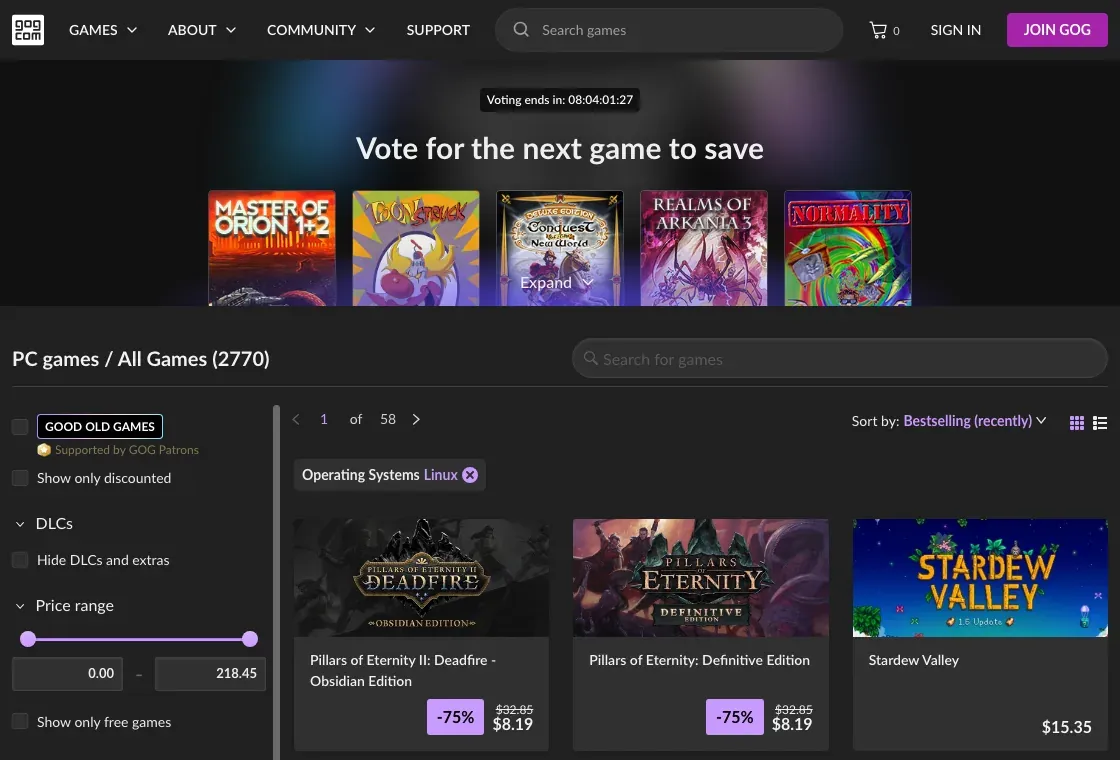 GOG’s catalog with the Linux filter on. Screenshot, November 2026.
GOG sells DRM-free games, and many of them come with a Linux installer: use the Linux filter in the catalog. GOG’s own launcher, GOG Galaxy, is only made for Windows and Mac (GOG Galaxy). On Linux you have three options:
- Download the Linux installer from your library on gog.com in a browser.
- Minigalaxy, a small third-party GOG client for Linux. It downloads and launches your Linux games, installs Windows games through Wine, and is on Flathub. GOG changed its API in mid-2026, so use version 1.4.2 or later.
- Heroic, below, which handles GOG as well.
itch.io
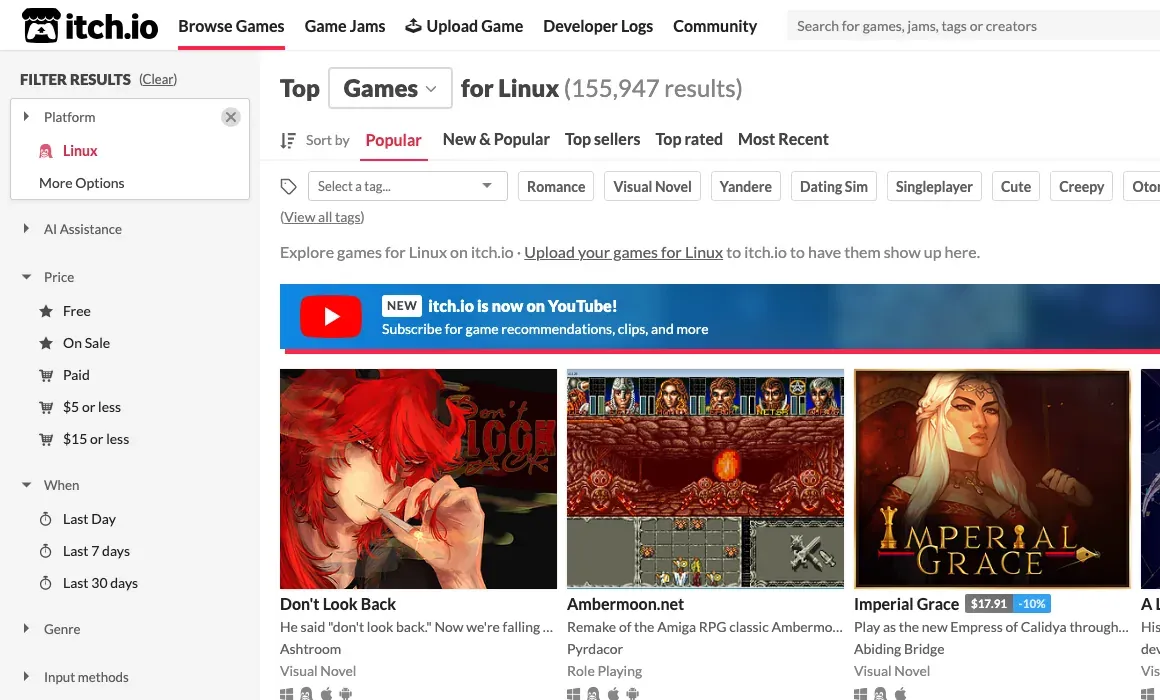 itch.io with the Linux platform filter on. Screenshot, November 2026.
itch.io is where most small indie games, game jam entries and free games are sold. Developers upload their own builds, so Linux versions are common: the Linux filter lists more than 150,000 entries (November 2026). Many are free or pay-what-you-want.
You can download games in the browser, or use the itch app. Its Linux installer needs GTK3 (libgtk-3-0 on Debian and Ubuntu) and installs into ~/.itch (itch docs).
Humble Bundle
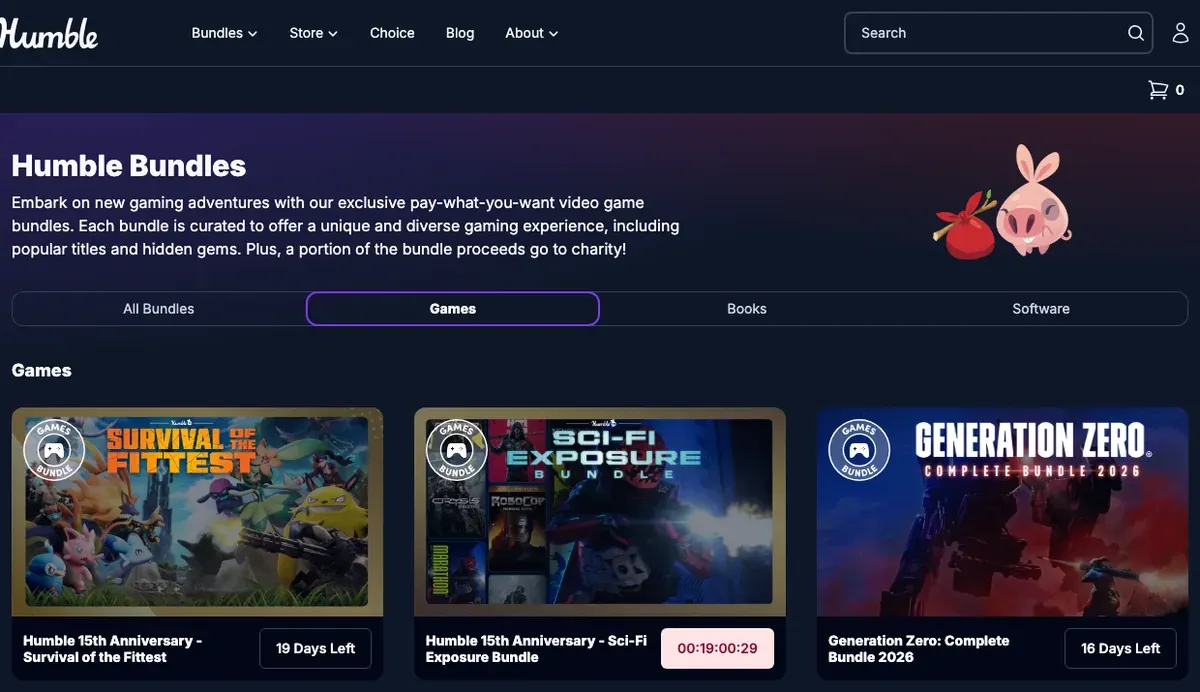 Humble’s game bundles. Each bundle page says how the games are delivered. Screenshot, November 2026.
Humble’s pay-what-you-want bundles started in 2010, and the early Humble Indie Bundles shipped their games DRM-free for Linux, Windows and Mac. For many of those games it was their first Linux release (Wikipedia).
Today, check each bundle before you pay: the page lists how each game is delivered (a Steam key or a DRM-free download) and for which systems. Humble’s subscription library is a poor fit for Linux. In 2022 Humble dropped Mac and Linux access to its Trove games, because the launcher they required was Windows-only (same source).
Epic Games Store and Amazon
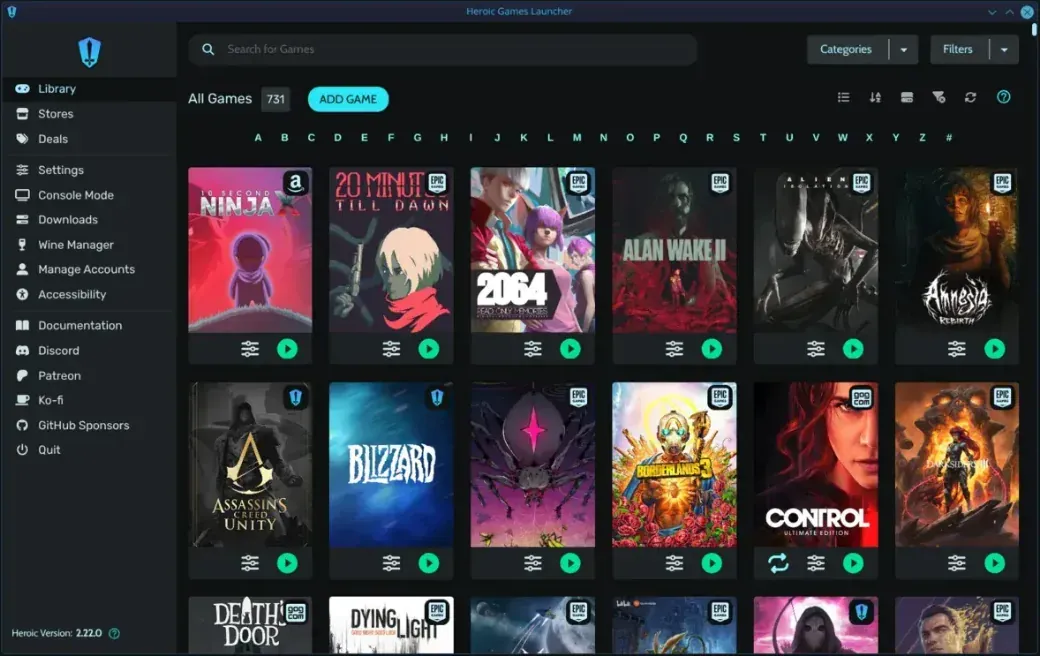 Heroic’s library, with Epic, GOG and Amazon games in one place (screenshot from heroicgameslauncher.com). Screenshot, November 2026.
Epic and Amazon don’t make Linux launchers, but Heroic Games Launcher does. It is free and open source (GPLv3), built by volunteers, and runs on Linux and the Steam Deck. You log in with your Epic, GOG or Amazon Prime Gaming account and install your games from there. Heroic is not an official client of any of these stores.
Free and open-source games
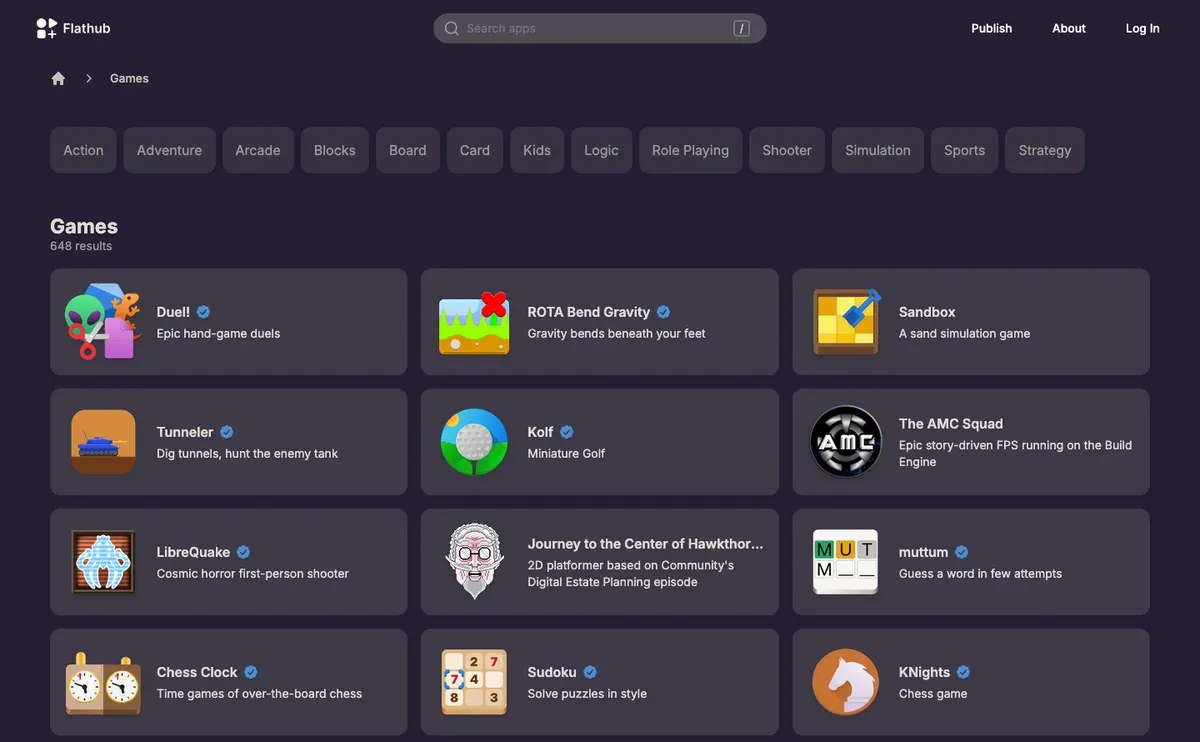 Flathub’s Games category: free games you install like any other app. Screenshot, November 2026.
Many good games cost nothing. Free and open-source games are usually in your distribution’s repositories and on Flathub, so you install them like any other program. We list some favorites in 16 excellent free games that run well on Linux, and the game database has setup notes for individual games.
Before you buy: anti-cheat
For multiplayer games, the store matters less than the anti-cheat. Some games’ anti-cheat blocks Linux, Proton included, even when the game itself would run. Are We Anti-Cheat Yet? tracks which games work. Check it before you buy, and check again after big updates.
Stores that have closed
A few stores that once sold Linux games are gone. If an old link sent you looking for one of them, this is what happened.
- Tux Games (UK, 2000–2014) was one of the first online shops for Linux games, started by Michael Simms, who went on to found Linux Game Publishing. The store went offline in 2014 (Wikipedia).
- Linux Game Publishing ported and sold commercial games for Linux from 2001. Its games are back online in archived form: see Linux Game Publishing returns in an archived form.
- Desura was an indie store with a Linux client from November 2011. It went offline for good in September 2016, after its owner Bad Juju Games filed for bankruptcy in 2015. The domain now hosts an unrelated browser game site (Wikipedia).
- IndieCity opened in 2010 as a store where indie developers kept ownership of their games, and announced a Linux client. It closed in the mid-2010s, and its closing announcement pointed developers to itch.io (quoted on the Raspberry Pi forums).
- Ubuntu Software Centre let Ubuntu users buy commercial games and apps from Ubuntu 10.10 (2010). Canonical replaced it with GNOME Software in Ubuntu 16.04 in April 2016 (Wikipedia).