
Divinity: Original Sin runs natively on Linux, but only as the Enhanced Edition. That’s the version Steam and GOG sell today, and it’s Steam Deck Verified. The original 2014 release, now called Classic, never got a Linux version.
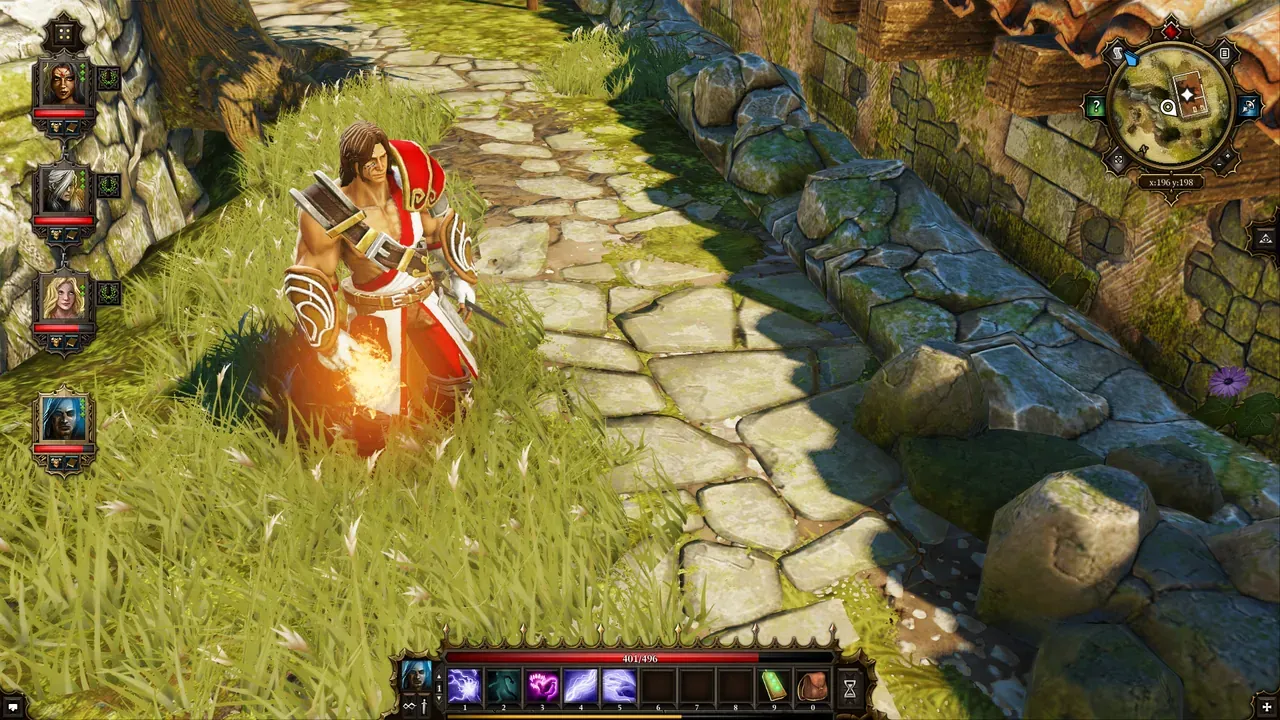 Divinity: Original Sin – Enhanced Edition. Screenshot: the game’s Steam store page.
About the game
Two Source Hunters wash up in a town with a murder to solve, and things escalate from there to the end of time. What people remember, though, isn’t so much the story as the sandbox gameplay – every fight is a chemistry set. Rain makes puddles, puddles conduct lightning, oil burns, poison explodes, and you can teleport the enemy into the fire you just lit. Play it in co-op and your partner can disagree with your choices in dialogue; the game settles those arguments with rock-paper-scissors. Larian Studios, from Belgium, funded it on Kickstarter and released it in 2014. This is the game that set them on the road to Baldur’s Gate 3.
How it runs
The Enhanced Edition runs natively. It came to Linux on 23 December 2015, and Larian updated the Windows version at the same time to match (announcement). Steam’s Linux requirements list Fedora 21 or Ubuntu 14.04, 4 GB RAM and an OpenGL 4.x graphics card.
The Classic edition has no Linux version: Steam lists it for Windows and Mac only (store page).
The Enhanced Edition’s Windows version rates Platinum on ProtonDB, from over 90 reports.
Install and setup
- Steam: install the Enhanced Edition; Steam picks the Linux build.
- GOG: the Enhanced Edition has a Linux installer. Use it directly or through Heroic.
- Controller: fully supported, with a controller interface built for it, and local split-screen co-op.
Saves and settings
On Linux, the game makes its folder directly in your home directory (PCGamingWiki):
~/Larian Studios/Divinity Original Sin Enhanced Edition/Saves and settings both live there. Steam Cloud is supported.
Known issues and fixes
- No Linux-specific issues are documented as of November 2026.
- FOV: no setting in the game; there are community tools for Windows.
Steam Deck
Verified, by Valve’s rating on the store page. Valve’s notes: the default controls work, the glyphs match the Deck’s buttons, text is legible and performance is fine.
Mods
No Workshop support or mod tools are documented for the Linux version.
Similar games
- Pillars of Eternity: a big party RPG with a native Linux build.
- Hard West: turn-based tactics with environmental tricks.
- 10 battle-tested ARPGs for Linux.
Where to get it
The Enhanced Edition on Steam and GOG, both with the Linux version. Divinity: Original Sin 2 has no Linux version: GOG sells it for Windows and Mac.