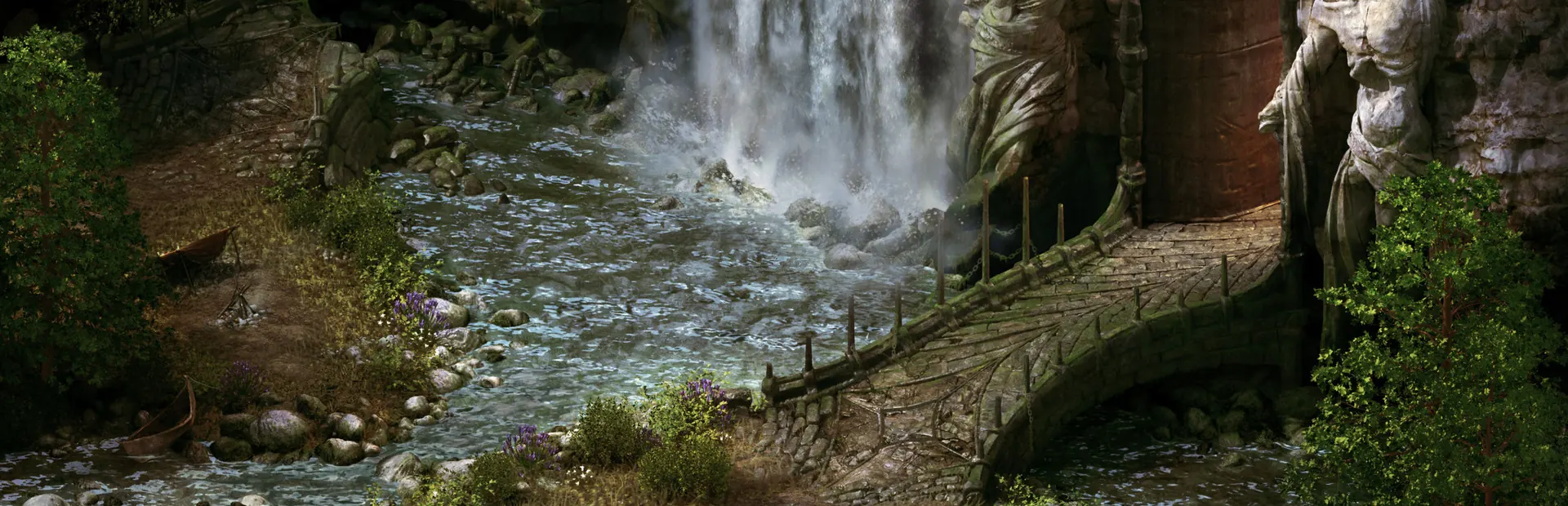
Pillars of Eternity runs natively on Linux and is Steam Deck Verified. The Linux version briefly fell behind in 2024, when an engine update left it out, but patch 1.3.8 in March 2025 brought it back in line with Windows. Buy it on Steam or GOG and play the native build.
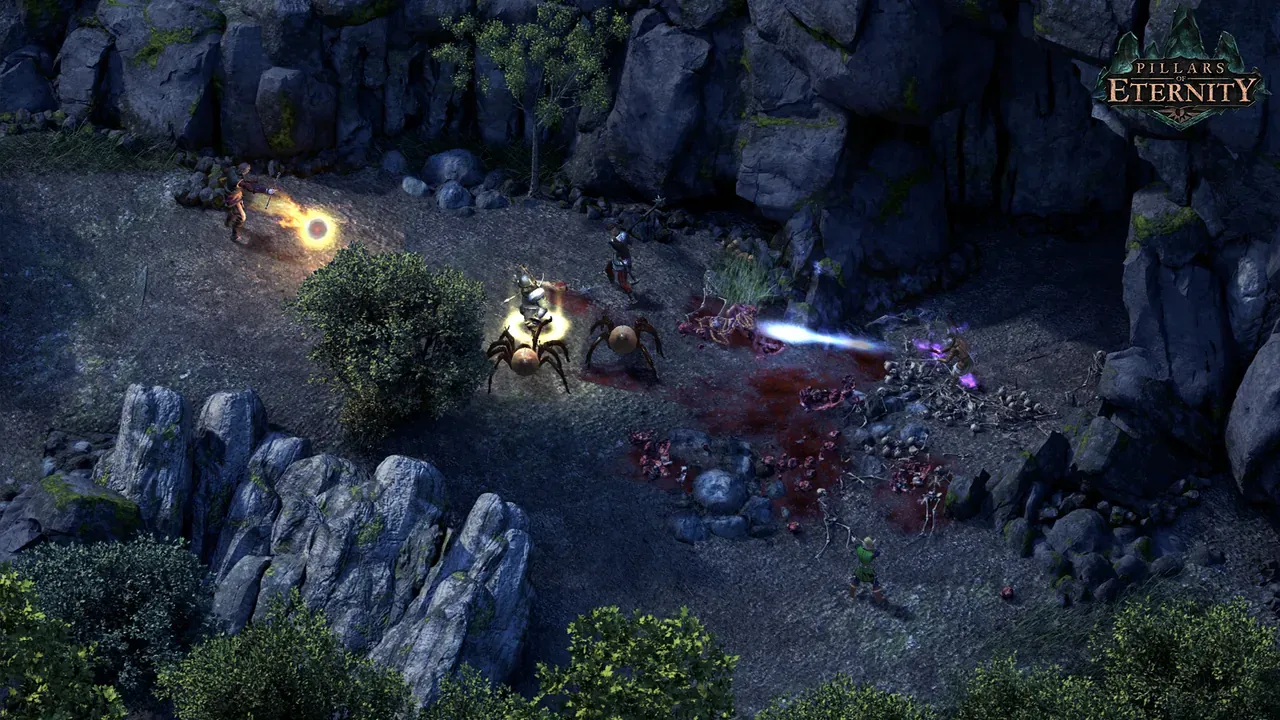 Pillars of Eternity. Screenshot: the game’s Steam store page.
About the game
In 2012 Obsidian asked the internet whether anyone still wanted a game like Baldur’s Gate and Planescape: Torment, and the internet answered with about four million dollars on Kickstarter. Pillars of Eternity is that game – a party-based RPG in a world called Eora, real-time with pause, painted backgrounds, lots of text, and a story about souls, reincarnation and children born without them. Josh Sawyer directed it, and it came out in 2015 for Windows, Mac and Linux at the same time. The expansions, The White March parts 1 and 2, were released for Linux too, and the sequel, Deadfire, followed in 2018.
How it runs
Natively, since release day, 26 March 2015 (PCGamingWiki). Steam’s Linux requirements start at Ubuntu 14.04 LTS 64-bit, 4 GB RAM and a Radeon HD 4850 or GeForce 9600 GT.
The 2024–2025 gap: patch 1.3.7 in June 2024 moved the game to a newer Unity version and DirectX 11, and its notes said the update was “currently unavailable for OSX & Linux”. Patch 1.3.8 in March 2025 fixed that: “Steam Linux is now supported and will be included in future patches” (patch notes). If your copy behaved oddly in between, update it.
The Windows version rates Platinum on ProtonDB, from about 40 reports, should you ever need it.
Install and setup
- Steam: install it as normal. Steam picks the Linux build.
- GOG: the Definitive Edition (with both expansions) has a Linux installer. Use it directly or through Heroic.
- Controller: supported, but this is a game built for mouse and keyboard.
Saves and settings
~/.local/share/PillarsOfEternity/SavedGames/                     # saves
~/.config/unity3d/Obsidian Entertainment/Pillars of Eternity/    # settings
Steam Cloud is supported. Whether saves sync between Linux and Windows isn’t documented; copy them across by hand if you switch systems.
Known issues and fixes
- Ultrawide resolutions missing: some Linux users report that 21:9 resolutions don’t appear in the options menu.
- Graphical glitch after switching windows: alt-tab out of the game and back in, PCGamingWiki suggests.
Steam Deck
Verified, by Valve’s rating on the store page. Valve’s notes: the default controls work, the glyphs match the Deck’s buttons, text is legible and performance is fine.
Mods
No official mod tools or Workshop. Community mods exist for the Windows version; we haven’t checked them on Linux.
Similar games
- Divinity: Original Sin: another big party RPG with a native Linux build.
- Tales of Maj’Eyal: deep character building in a roguelike.
- 10 battle-tested ARPGs for Linux.
Where to get it
On Steam, and on GOG as the Definitive Edition, both with the Linux version. Pillars of Eternity II: Deadfire also has a Linux version on GOG.