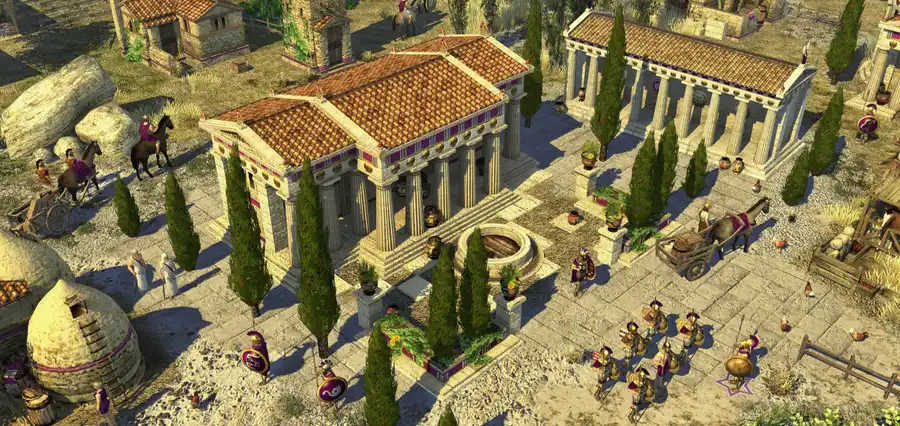
0 A.D. runs natively on Linux, where it has always been at home: the volunteers at Wildfire Games build the official Linux version themselves. It’s free, open source and not on Steam, so you install it from play0ad.com, Flathub, Snap or your distribution. Mouse and keyboard only.
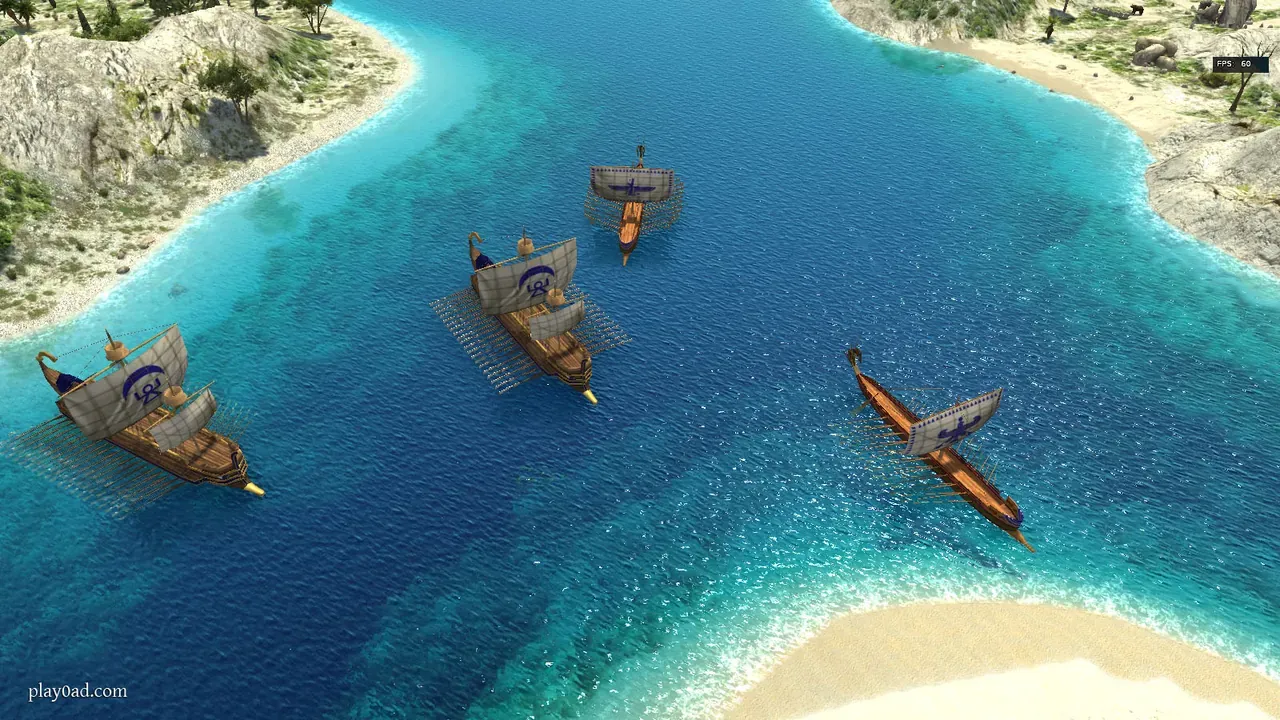 Carthaginian biremes in 0 A.D. Screenshot: the project’s Flathub listing.
About the game
Picture Age of Empires II with the history homework done properly. 0 A.D. is a real-time strategy game of the ancient world, from the Iberians and Celts to Rome, Carthage, Persia and the Mauryan empire, with buildings, units and even the voice lines researched to match their civilisation. It started in 2001 as a mod for Age of Empires II, grew into its own game, and went open source in 2009. For years every release was called an “alpha”, and the community joked it would stay that way forever. Release 27 finally dropped the label. Battles are big, and walls are worth building.
How it runs
Natively. There is nothing to run through Proton, as the Linux version is the same game, built from the same source.
- Current release: Release 28, “Boiorix” (0.28.0), from February 2026. The headline addition is a new faction, the German tribes (release notes).
- License: the code is GPL and the art is CC BY-SA (Flathub listing).
- Anti-cheat: none. Multiplayer goes through the game’s own lobby.
Install and setup
There are four ways to install it. The download page lists the first three:
- AppImage from play0ad.com: the official build, always the current release. Download it, make it executable, run it.
- Flatpak from Flathub (
com.play0ad.zeroad): community-maintained, updates with the rest of your Flatpaks. The easiest choice on SteamOS, Fedora Silverblue and similar. - Snap (
0ad): community-maintained. - Your distribution’s package: check its version on Repology first. Some long-term-support distros ship an older release.
The AppImage, from a terminal:
chmod +x 0ad-0.28.0-x86_64.AppImage
./0ad-0.28.0-x86_64.AppImage
The Flatpak:
flatpak install flathub com.play0ad.zeroad
flatpak run com.play0ad.zeroad
The release is pretty large: the AppImage is about 1.7 GB. There’s no controller support.
Saves and settings
~/.config/0ad/        # settings
~/.local/share/0ad/   # saves, replays, mods
The Flatpak keeps its own copies under ~/.var/app/com.play0ad.zeroad/. To change the field of view, which the menus don’t offer, add a line such as view.fov = 60 to user.cfg in the settings folder (PCGamingWiki).
Known issues and fixes
- Crashes with Arch’s first Release 28 package. Arch built the game against the system’s SpiderMonkey, which lacked a fix the game needs. Arch has since switched back to the copy bundled with the game, so update the package if you still see crashes (a 0 A.D. developer on Hacker News, issue #8757).
- Multiplayer runs at the pace of the slowest player. Behind the scenes the simulation is turn-based, and each turn waits for every player’s PC, so one slow machine or a laggy connection to the host slows the whole game (the same developer). That isn’t Linux-specific, so check it before you blame your drivers.
Steam Deck
0 A.D. is not on Steam, so Valve has not rated it. You can install the Flatpak from Discover in desktop mode and add it to Steam as a non-Steam game; expect to rely on the trackpads, since there’s no controller support.
Mods
0 A.D. has an in-game mod downloader, mod.io integration, and mods install into the data folder above. Popular ones add civilisations, rebalance the game or change the interface. Since the game is open source, mods work the same on every system.
Similar games
- Warzone 2100: another free, open-source real-time strategy game.
- OpenRA: classic Westwood strategy on an open-source engine.
- Open-source games on Linux.
Where to get it
0 A.D. is free. Get it from play0ad.com, Flathub, the Snap Store or your distribution. It’s one of the picks in 16 excellent free games that run well on Linux.