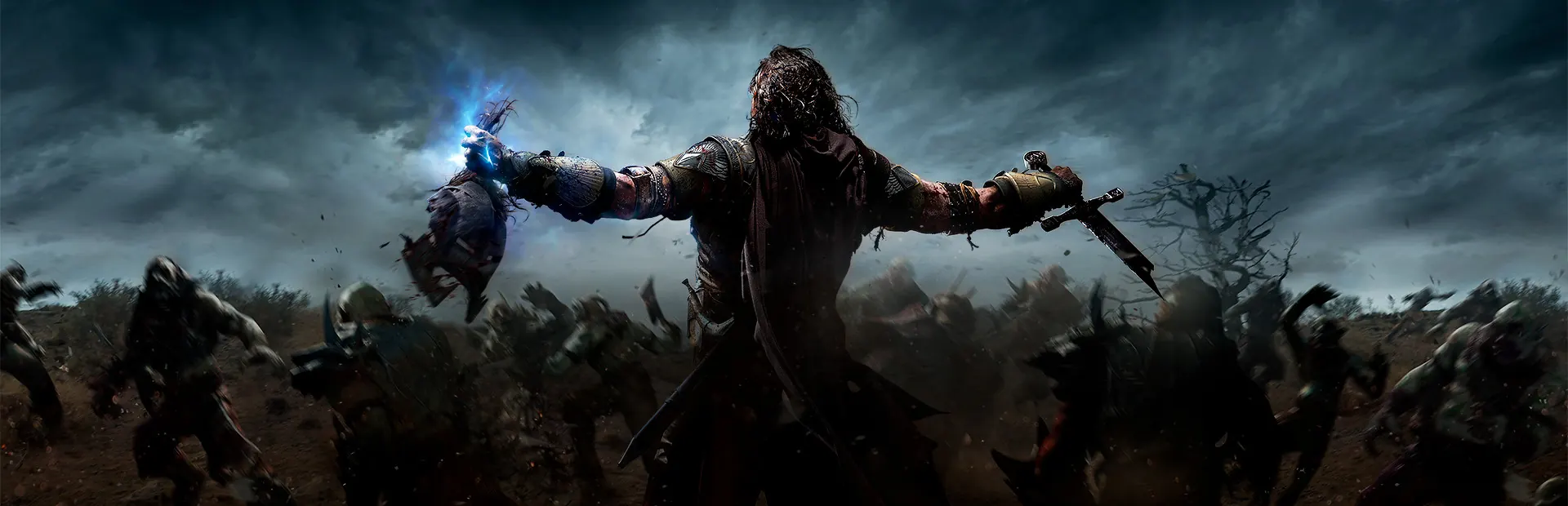
Shadow of Mordor runs well on Linux through Proton. It rates Platinum on ProtonDB and is Steam Deck Verified. It once had a native Linux port, but that was taken off sale in 2021, so today you buy the Windows version and let Steam handle compatibility. The online features are gone for everyone since the end of 2020.
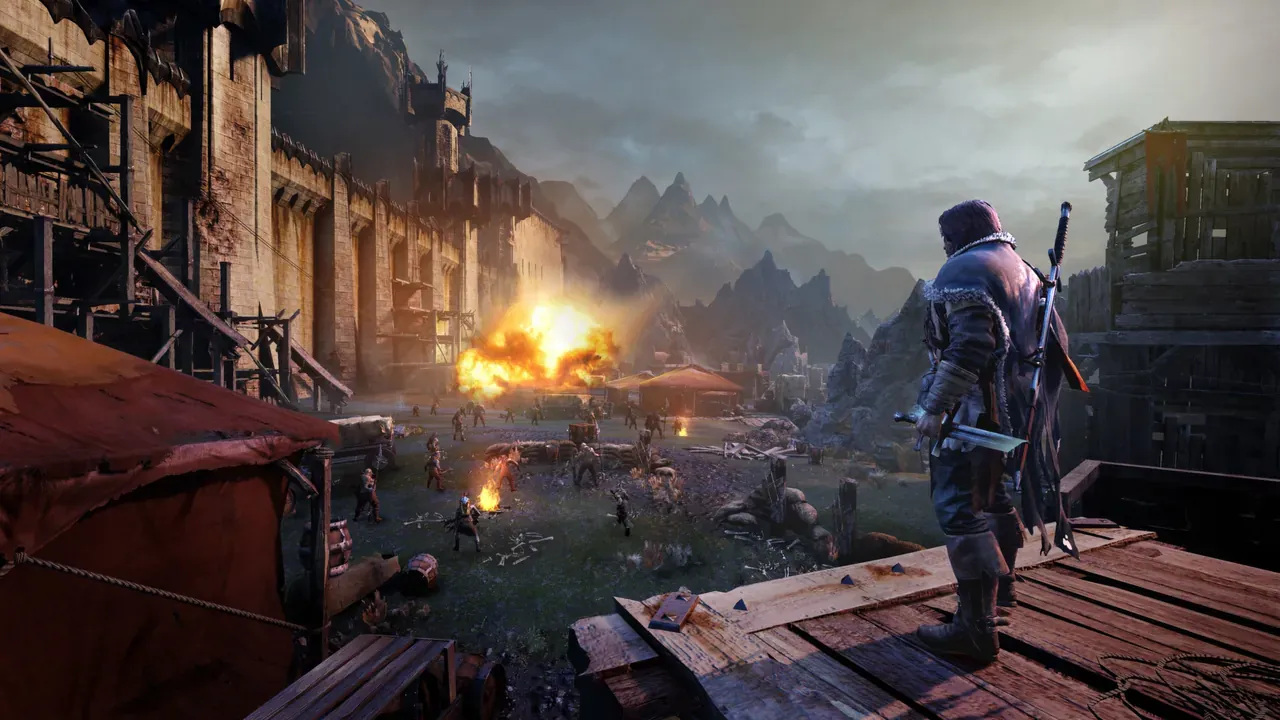 Middle-earth: Shadow of Mordor. Screenshot: the game’s Steam store page.
About the game
Talion, a ranger guarding the Black Gate, dies in the opening minutes and doesn’t stay dead: he’s bound to the wraith of the elf-smith Celebrimbor, and the two go looking for revenge in Mordor, in the years between The Hobbit and The Lord of the Rings. The fighting and climbing will feel familiar if you’ve played the Batman Arkham or Assassin’s Creed games.
What makes it stand out is the Nemesis system. Orc captains remember you. The one who killed you gets promoted, brags about it next time you meet, and may come back with scars after you thought you’d finished him. Every playthrough ends up with its own cast of grudges. Monolith Productions made it and Warner Bros. published it in 2014.
How it runs
Through Proton. Steam sells the game for Windows only, and the Windows version rates Platinum on ProtonDB, from over 130 reports, trending Platinum.
What happened to the Linux version: Feral Interactive released a native Linux port on 30 July 2015 (PCGamingWiki). At the start of 2021 the Linux and Mac versions were taken off sale because Feral’s license had expired (OC3D). The port isn’t sold or supported anymore, so use Proton.
Online features: since 31 December 2020 the Nemesis Forge (moving your Nemeses to the sequel, Shadow of War), Vendetta missions and the leaderboards no longer work, the store page says. The single-player game is unaffected.
Install and setup
- Steam: if Steam Play isn’t on for all games, open the game’s Properties → Compatibility and tick Force the use of a specific Steam Play compatibility tool. Our Proton guide covers the settings.
- HD textures: the free HD Content pack is a separate download on Steam. Install it if your graphics card has the memory for it.
- First launch: an early report on Valve’s Proton tracker found the game started at 540p with low settings. Check the resolution and quality in the options before you play.
- GOG: the Game of the Year Edition on GOG is Windows-only and DRM-free. Install it with Heroic, which runs Windows GOG games through Wine or Proton (where to buy Linux games).
- Controller: fully supported.
Saves and settings
- Saves on Steam go to Steam Cloud, in Steam’s own
userdatafolder:
# Steam on any distribution; <id> is your Steam account number
~/.local/share/Steam/userdata/<id>/241930/remote/gamedata.sav- Settings are in
Documents\WB Games\Shadow of Mordor\on Windows. Proton keeps that Windows folder inside the game’s prefix:
~/.local/share/Steam/steamapps/compatdata/241930/pfx/drive_c/users/steamuser/Documents/WB Games/Shadow of Mordor/Every system now runs the same Windows version, so Steam Cloud should carry your save between a Windows PC, a Linux PC and a Steam Deck.
Known issues and fixes
- Skip the intro videos. Rename the
legalfolder in~/.local/share/Steam/steamapps/common/ShadowOfMordor/game/interface/videos/to anything else. - 100 FPS cap. The game limits itself to 100 FPS, according to a Monolith developer.
- Ultrawide and FOV: not supported in the game itself. There are Windows tools for both, which we haven’t tested under Proton.
Save and settings paths, the video fix and the frame cap are from PCGamingWiki’s page, linked above.
Steam Deck
Verified, by Valve’s rating on the store page. Valve’s notes: the default controls work, the glyphs match the Deck’s buttons, text is legible and performance is fine. External controllers don’t work for the first player, so play player one on the Deck itself.
One 2023 report on Valve’s Proton tracker says the Counter prompt asked for the right mouse button on a Deck. If that happens to you, check the game’s controller settings or Steam’s controller layout for the game.
Mods
Mods for the Windows version are on Nexus Mods, among them one that turns off mouse smoothing and one that shows PlayStation button prompts.
Similar games
- Divinity: Original Sin and Pillars of Eternity, if it’s the fantasy world you’re after.
- Windows games that run perfectly on Linux: more big Windows games that work through Proton.
- More action games.
Where to get it
On Steam and on GOG as the Game of the Year Edition, both Windows versions.